
Contact
Start with your question.
Ask about a service or explain what you have in mind. To choose a time, use the appointment page.
Reserve your appointment
Choose the visit you need.
Start with the service, then select an available date and time. You can review your choices before sending the request.
This is a fictional website demo connected to a booking system. Submitting sends a real booking request.
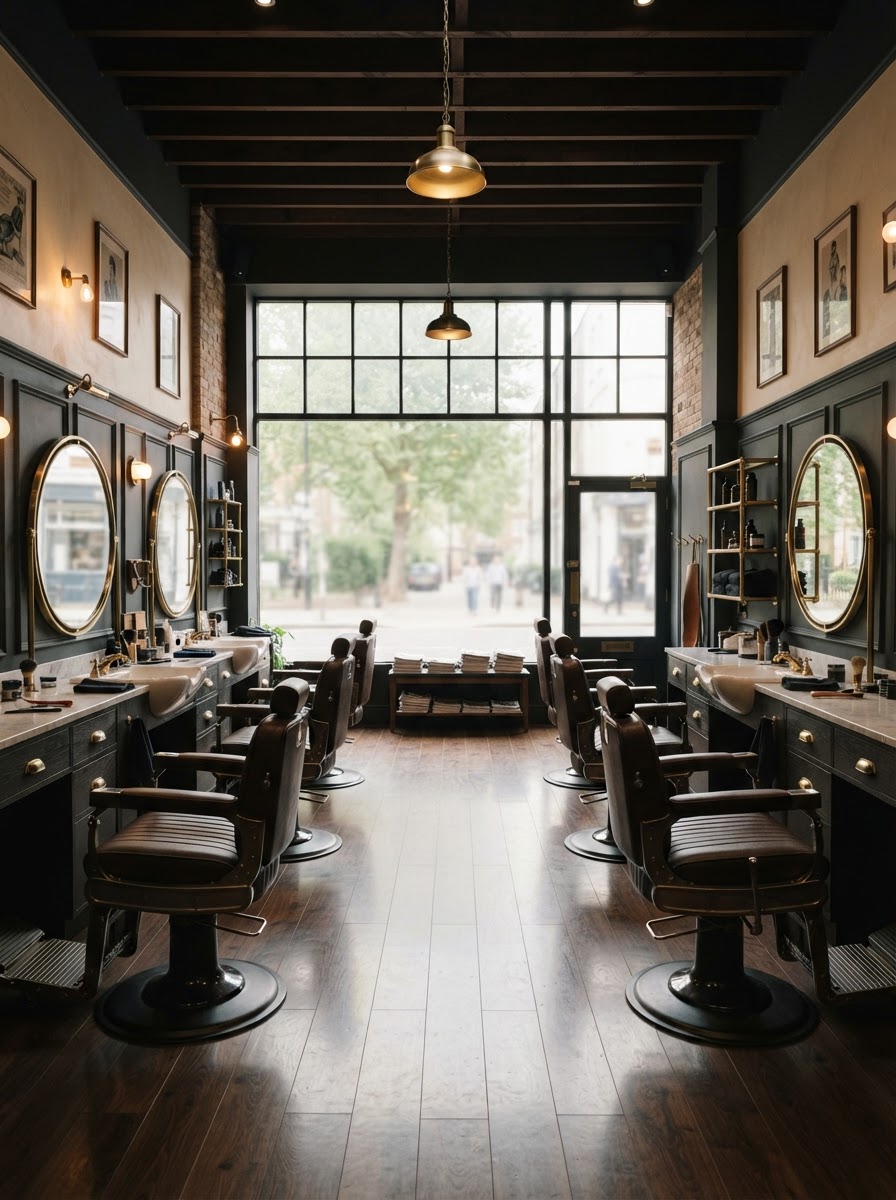
A few details help.
Tell us the service you are considering, what you would like to change, and the question you want answered.
Describe the beard length and outline you have in mind.
Fictional barbershop demo. Submitting sends an inquiry to the connected system. A real barbershop reply is not offered.
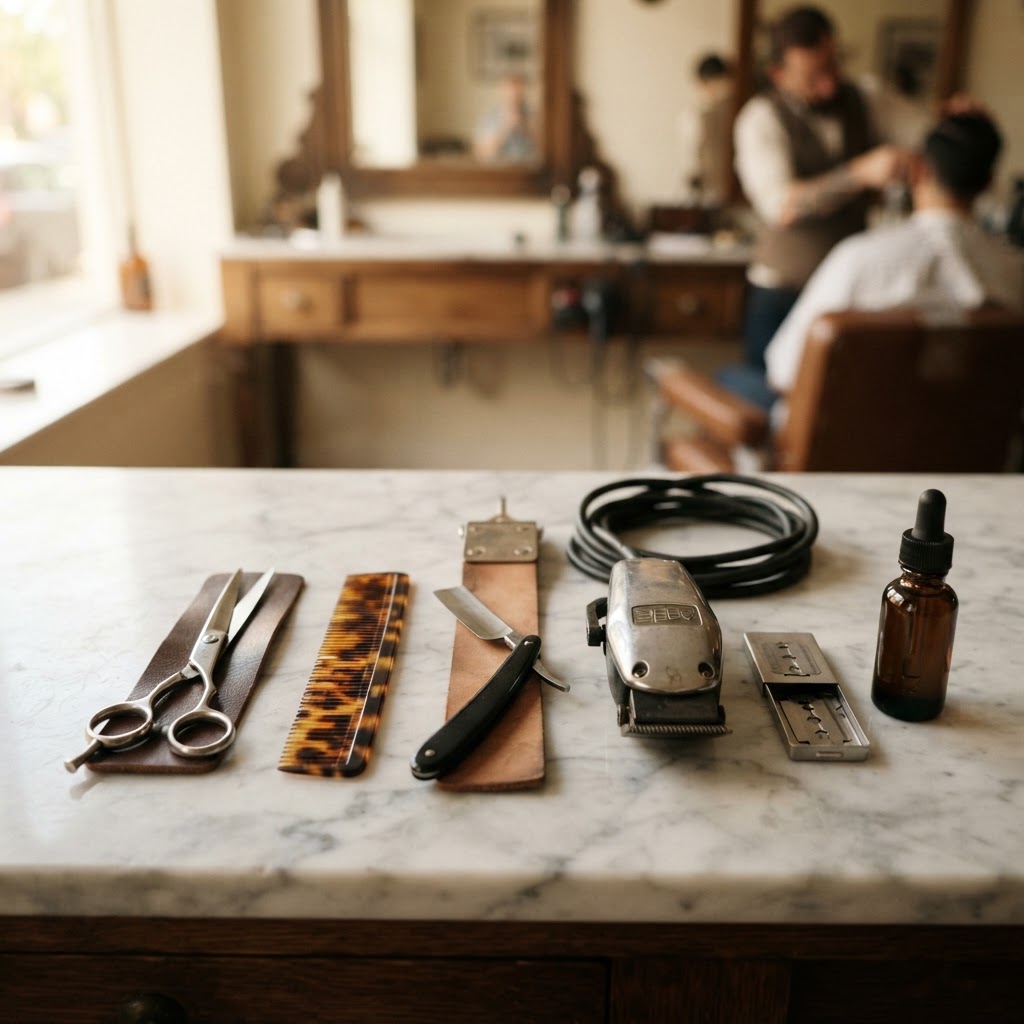
Questions
Before you send a message.
01. Does this form book an appointment?
No. It sends an inquiry. Use the appointment page to choose a service and an available time.
02. What should I include in a service question?
Mention the service you are considering, the length or shape you have in mind, and the detail you would like clarified.
03. Which option covers a haircut and beard?
The Haircut + beard option combines both. Review its description on the Services page.
04. Does a message change an existing appointment?
No. Sending an inquiry does not change a calendar booking. Use genuine booking-management instructions when supplied, or explain your question in the form.
Compare the options on the Services & Prices page.
Ready to book
Ready to choose a time?
Use the appointment page to select a service and check the available times.
This is a fictional website demo. The appointment page shows how booking selection works.